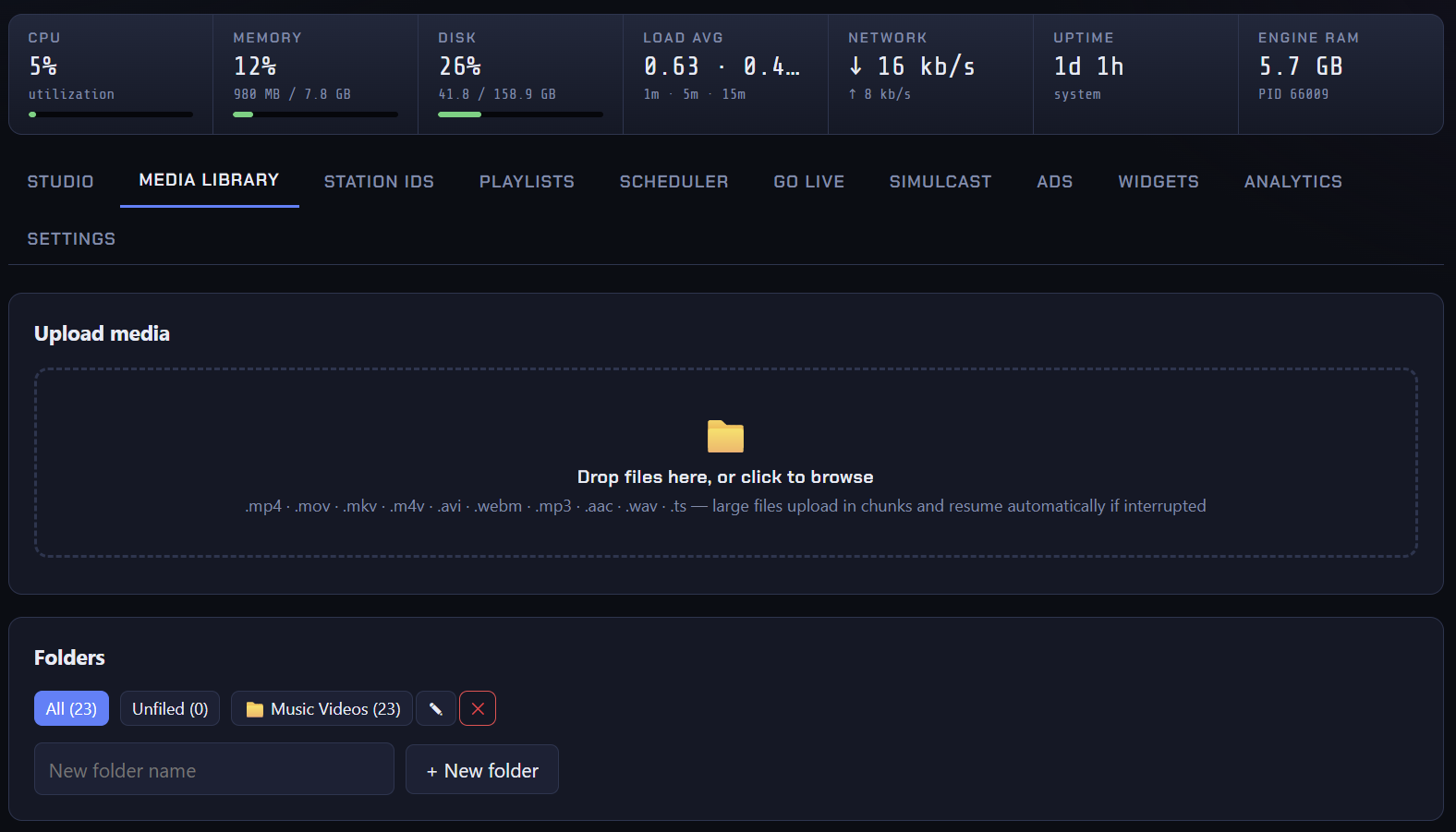
Uploading videos to IPTV-CP is easy! Once you're logged into the panel, choose the channel on the left you would like to upload media to and look for the Media Library tab.
Drag & Drop or click inside the drop zone to locate the video files on your device. Once you select a video file, the upload will automatically begin in a few seconds. Make sure you keep the page open in your browser until the upload is completed.