AutoDj Crossfade
The crossfade option in Streaming Center allows you to set and adjust the fade time between tracks in the auto dj. These options can be found under your Streaming Center settings.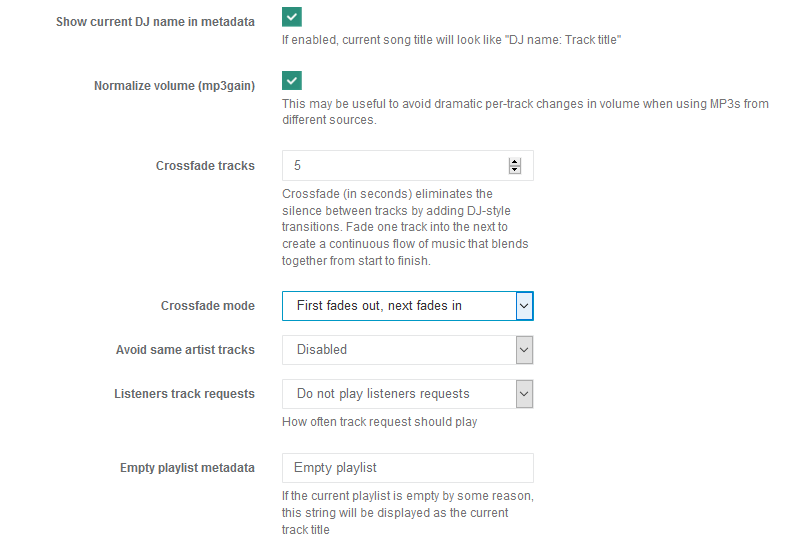
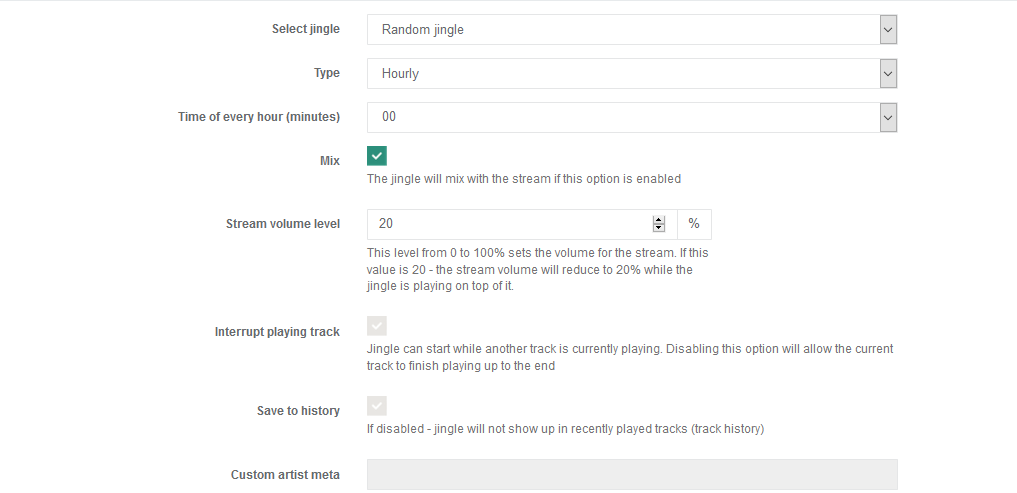
Jingles Crossfade
You can also adjust the crossfade time (and volume) for your Jingles. You will need to check the Mix box when you create or edit a jingle to view fade options.