

Choose Your Radio Package
Professional internet radio hosting with Auto-DJ, automated song requests, and an instant website
My Cast 25
$5.95
/mo- 25 Listeners
- 5 GB Mp3 Storage
- 5 GB Recording Storage
- 128Kbps Bitrate
- 1 Station • 2 Channels
- Automated Song Request Widget
- No Track Repeat Rules
- Tune In Radio API
- DJ Manager with Website Widget
My Cast 50
$7.95
/mo- 50 Listeners
- 10 GB Mp3 Storage
- 10 GB Recording Storage
- 192Kbps Bitrate
- 1 Station • 2 Channels
- Automated Song Request Widget
- No Track Repeat Rules
- Tune In Radio API
- DJ Manager with Website Widget
My Cast 100
$9.95
/mo- 100 Listeners
- 25 GB Mp3 Storage
- 25 GB Recording Storage
- 256Kbps Bitrate
- 1 Station • 2 Channels
- Automated Song Request Widget
- No Track Repeat Rules
- Tune In Radio API
- DJ Manager with Website Widget
My Cast 250
$14.95
/mo- 100 Listeners
- 50 GB Mp3 Storage
- 50 GB Recording Storage
- 320Kbps Bitrate
- 1 Station • 2 Channels
- Automated Song Request Widget
- No Track Repeat Rules
- Tune In Radio API
- DJ Manager with Website Widget
My Cast Unlimited
$24.95
/mo- Unlimited Listeners
- Unlimited Mp3 Storage
- Unlimited Recording Storage
- Unlimited Bitrate
- 1 Station • 2 Channels
- Automated Song Request Widget
- No Track Repeat Rules
- Tune In Radio API
- DJ Manager with Website Widget
Powerful Auto-DJ Engine
Broadcast 24/7 without installing any software. Our Auto-DJ handles everything—playlist rotation, jingle insertion, volume normalization, and crossfading. Just upload your music and let it run.
Smart Playlist Scheduler
Schedule different playlists for different times—morning shows, drive time, late night programming
Stereo Tool Processing
Professional audio processing with Stereo Tool integration for FM-quality sound
Audio Editor & Trimming
Edit tracks directly in browser—set mix points, trim silence, adjust volume
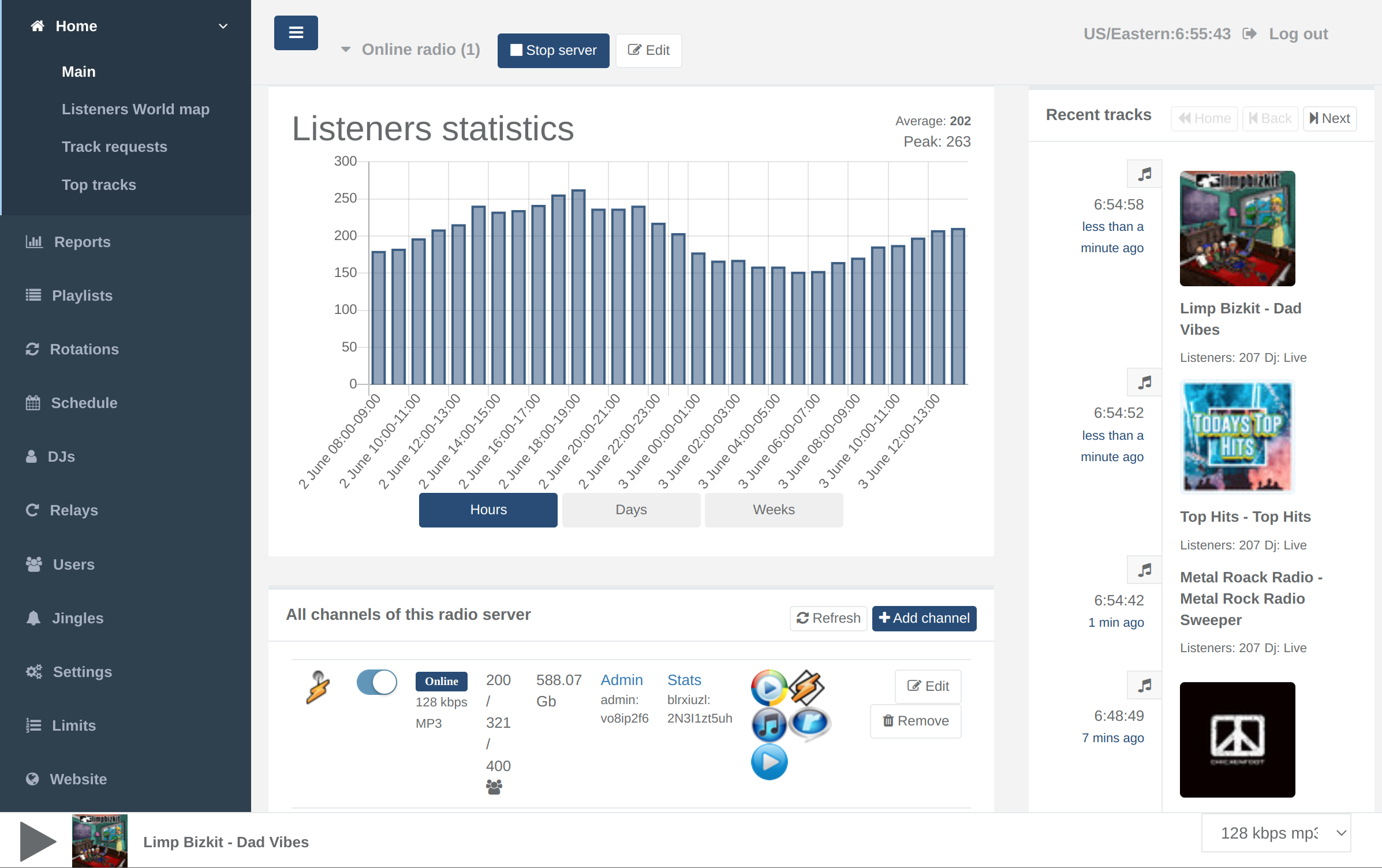
Browser-Based Live Broadcasting
Go live directly from your browser—no software to install. Stream from your microphone, play music files, or even take incoming calls from listeners. Perfect for talk shows and live events.
No Software Required
Broadcast directly from your browser—works on Windows, Mac, Linux, even Chromebook
Multi-DJ Management
Create unlimited DJ accounts with scheduled time slots and access permissions
Seamless Auto-DJ Switch
Auto-DJ automatically takes over when you disconnect—no dead air ever

Automated Song Request Widget
Let your listeners request songs from your library and watch the queue fill itself automatically. The embeddable widget handles everything—from submission to playback—with zero manual work from your DJ.
Auto-Queue Management
Approved requests are automatically inserted into the active playlist queue—no DJ action required
Embeddable on Any Page
Copy and paste one line of code to add the request widget to your website, blog, or social media page
Request Moderation & Rules
Auto-approve trusted requests, block repeat songs, set cooldown timers, and review borderline requests in one dashboard
Instant DJ Notifications
New requests pop up in your control panel in real time so you never miss what your audience wants to hear
Request History & Popularity
See which songs your audience requests most—perfect for building set lists and discovering what content resonates
Built-In Website Builder
Every plan includes a fully hosted, customizable radio website—no separate hosting or coding needed. Pick a template, drop in your branding, and go live in minutes with a site built specifically for radio stations.
Ready-Made Radio Templates
Choose from professionally designed templates built for radio stations—show schedules, track history, DJ profiles, and more
Embedded Live Player
A built-in audio player on your site shows the current track, artwork, and allows one-click listening—no third-party player needed
Full Branding Control
Upload your logo, set your colors and fonts, and personalize every section—no design skills required
SEO-Ready Out of the Box
Built-in title, description, and meta tag fields help your station get found in search engines from day one
Custom Domain Support
Point your own domain name to your radio website for a fully branded experience at no extra cost
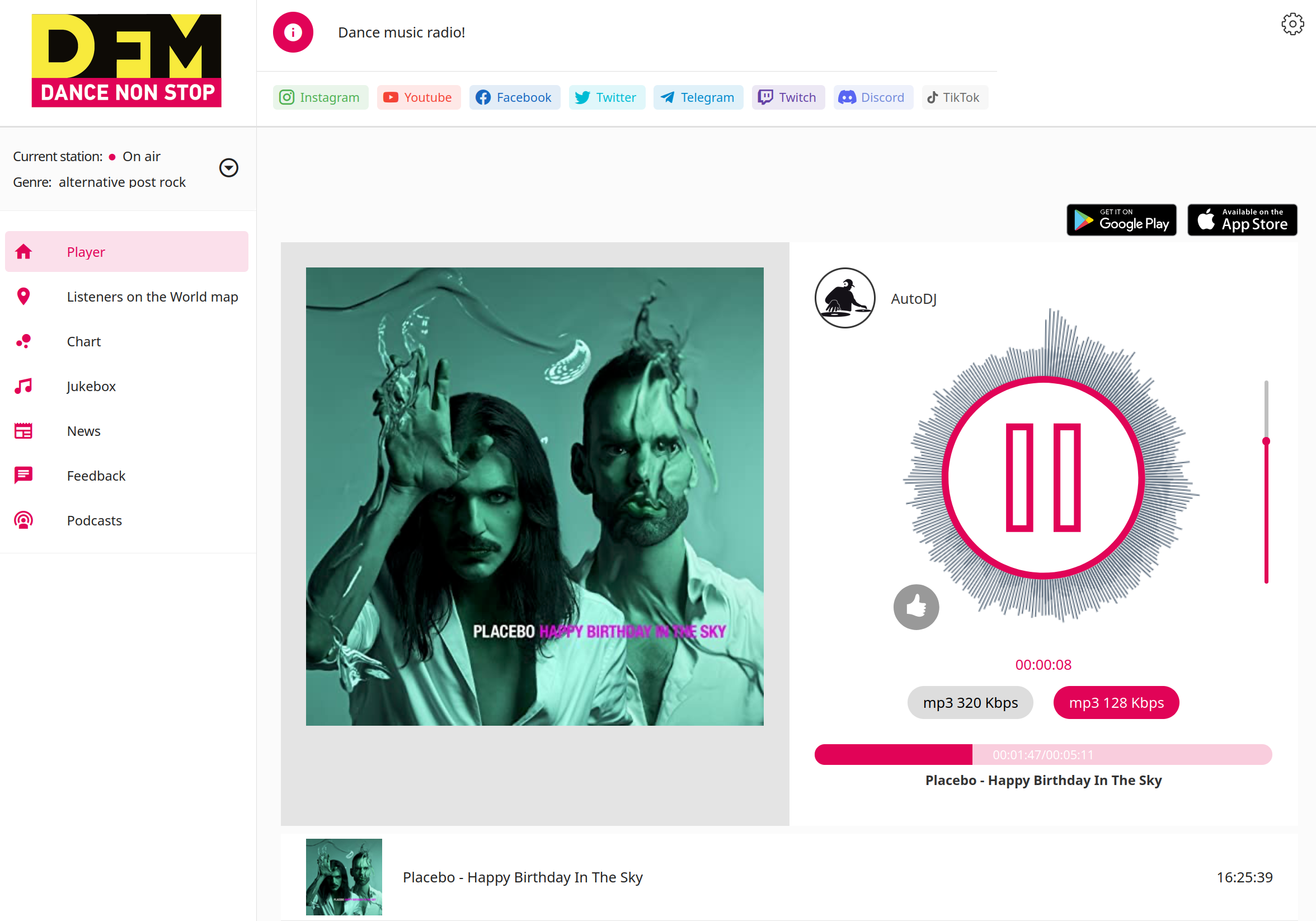
Built-In Tune In Radio API
Get your station listed and discoverable on TuneIn—no separate account setup or manual submission process. Your control panel handles the integration so listeners can find you through TuneIn's app and connected devices.
Automatic Metadata Sync
Your station name and now-playing info stay in sync with TuneIn automatically, straight from your control panel
Reach TuneIn's App & Connected Devices
Be found by listeners browsing TuneIn on mobile, desktop, and smart speakers
No Manual Submission
Skip the directory application process—the API integration is already built into your panel
Reach a Global Audience
Grow beyond your own website and tap into listeners actively browsing for new stations
Watch My Cast in Action
See how easy it is to manage your radio station
Got Questions About My Cast?
Find answers to common questions about our radio streaming platform
Still have questions? Contact our 24/7 support team
Ready to Launch Your Radio Station?
Start broadcasting today with Auto-DJ, automated song requests, and a built-in website. Try free for 7 days.
